How to share docker images without Docker hub or any registry

There are some instances where you can’t publish your image to the docker hub or any private registry. This story gives you options on how to share your images without publishing them to the docker hub or any private registry. save and load are the two commands which we can use for this purpose
Docker Hub Images
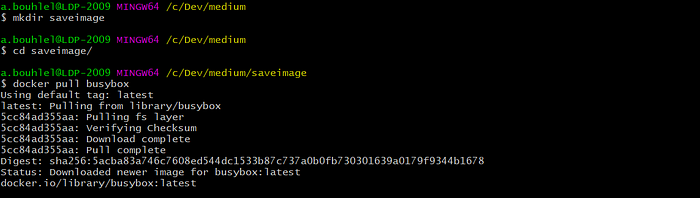
Let’s pull the busy box from the docker hub.
mkdir saveimage
cd saveimage
docker pull busybox
docker has a save command where you can save into a tar file. We can list the directory after saving.
docker save busybox > busybox.tar

Let’s list all the images and remove the busybox image from the local docker registry.

Load the image from the tar file. once you load the image you can interact with it and run the container as an official image.
docker load < busybox.tar

Customized Images
we can do the same thing with user-customized images as well. Let’s clone this repo and see how it works.
git clonehttps://github.com/ahmedbhl/dockerfiles-cmdvsentry.git
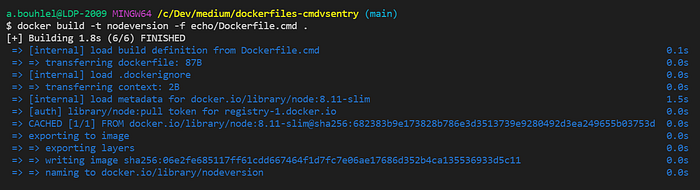
Build the docker image with this command
docker build -t nodeversion -f echo/Dockerfile.cmd .
Use save command to save the image to the tar file.
// save to tar file
docker save nodeversion > nodeversion.tar// load from tar file
docker load < nodeversion.tar
